Maybe your next config should be just code
I’ve been a user and “spreader” of the “code as configuration” approach for at least a decade. Most of my work is in scientific and research code — a special case where you own the whole codebase and configure a lot — and there, this approach works really well.
These days, I think end-user software should also be “programmable” more than “configurable”.
macOS is a good example of a system that’s stingy with knobs: too few settings, and a whole collection of tools exists just to tweak the OS (BetterTouchTool, Karabiner-Elements, and — hey! — even “normal” mouse-wheel scrolling needs a separate app).
My go-to tool for “scripting” on the Mac is Hammerspoon. Its config is plain Lua, and can look something like this:
-- create a hotkey ...
hs.hotkey.bind({"ctrl", "alt", "cmd"}, "M", function()
    -- ... to move current window ...
    local win = hs.window.focusedWindow()
    if not win then return end
    -- ... to a different display
    local screen = win:screen():next()
    win:moveToScreen(screen)
end)
Let’s just consider this “move window” hotkey.
You can do a lot more with the same idea:
- want cmd+ctrl+digit to jump to one of 10 fixed locations across your displays?
- partition different displays according to their sizes?
- make the window destination depend on which app you’re dragging?
That’s all doable, barely an inconvenience.
But there’s more to it:
- “smart” recognition of whatever’s currently selected. The hotkey copies selected text to clipboard and decides what to do based on the content. In my case: looks like an X-ray structure? Open it on the right website. Looks like a gene? Find it on another site. A small molecule? That’s a third website. All of this is just scriptable logic, based on simple heuristics, and there is just one key to remember, not three.
- arbitrarily complex combinations of keystrokes and timers. Jump to the previously active window? Doable. The window before that? Also doable — you just have to script it.
Customization is limited only by your imagination: make it behave differently at work (detected by Wi-Fi network name), differently at night, or even account for the phase of the moon — the world macOS is your oyster.
So the user gets a lot of power, if they want it. Previously this required coding skills — often in a language you’d never otherwise use — and that was a blocker. But that changed once LLMs got good enough at writing scripts.
Some apps are already halfway there with configs — namely, code editors.
Many code editors designate a json file as their config.
That’s already good: editing or fixing a large config becomes much easier (not to mention other perks: you get diffs, edit history, and can feed them to LLMs).
Config-is-text-file is also a natural choice for code editors: there are too many settings for a GUI to comprehensively expose or migrate across versions, and you already have the perfect tool to edit the config — the editor itself.
What if I could use callbacks right in IDE’s config (instead of writing a whole plugin or extension)? I expect this to be very helpful — especially if those callbacks could call into other extensions.
(Small example: selecting an external Jupyter kernel in VS Code is so finicky that I’d rather just script the whole process than touch corresponding UI.)
These days, I think that even for tools built for non-coders, offering a programmable interface could be a good idea, leaving the GUI to cover just the most common scenarios: APIs are easier to implement, and easier to maintain.
There was one more blocker in the past: once an API was exposed, it was hard to pull back features or adjust the interface, since that forces users to migrate their scripts. That got much easier too, for the same reason.
Let’s wait and see. I expect tools that “collaborate better” to win, and I’ll bet on APIs.
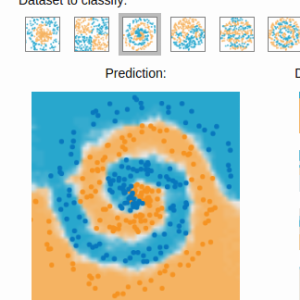 Gradient boosting
 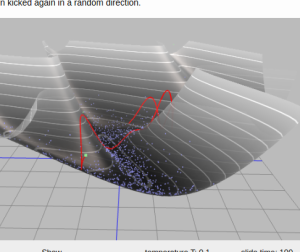 Hamiltonian MC
 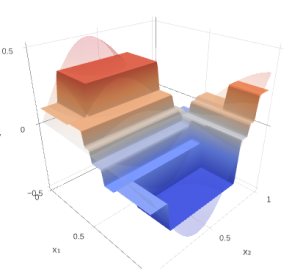 Gradient boosting
  Reconstructing pictures
 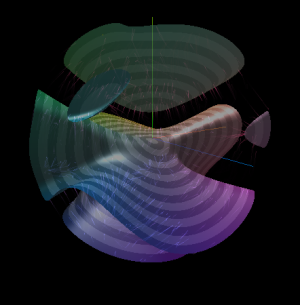 Neural Networks